Paige Input
Type braille the way you already know it, using your regular keyboard or a braille writer with Paige Connect, and Paige Input turns it into print in any app.
How Paige Input works
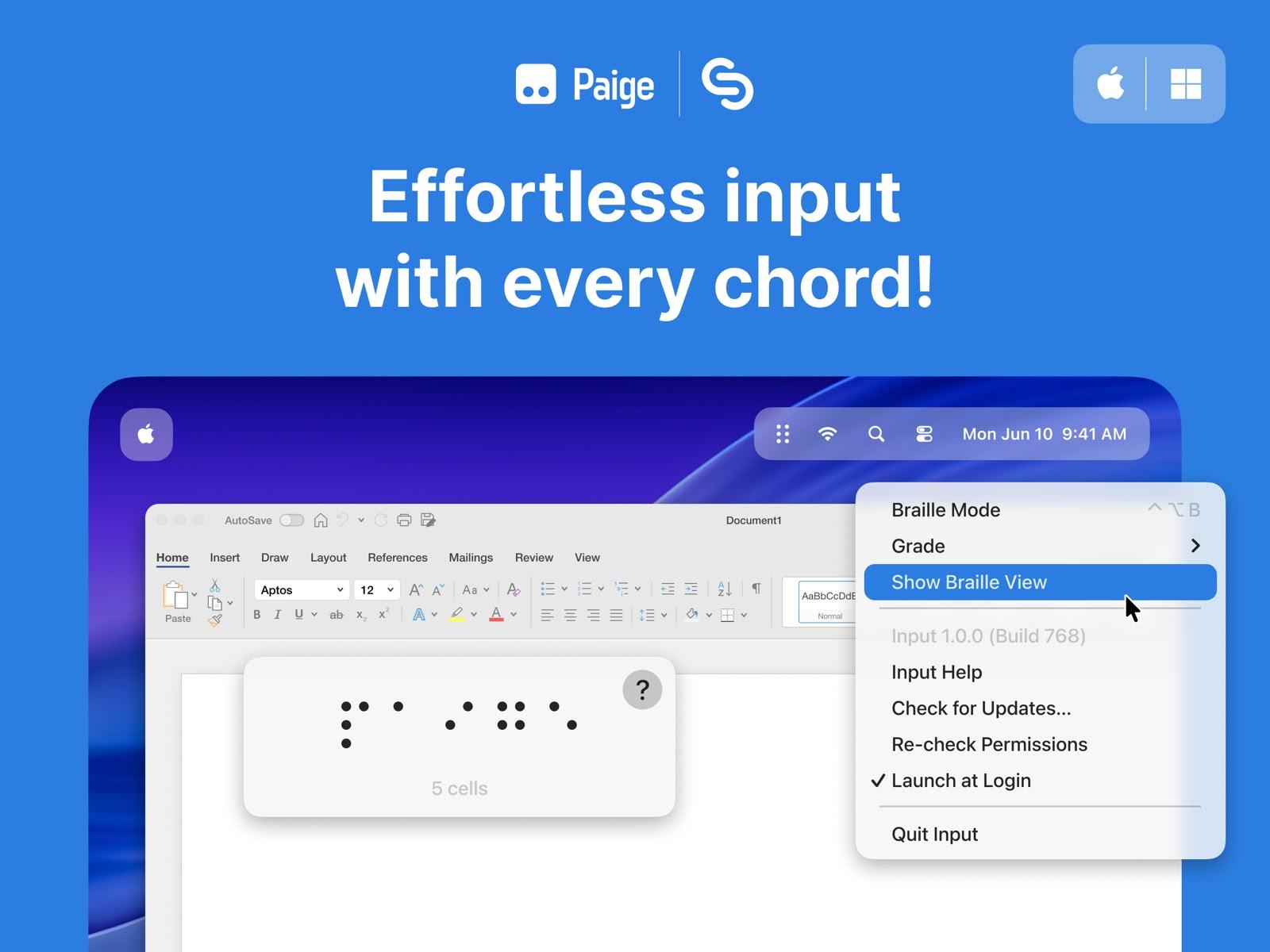
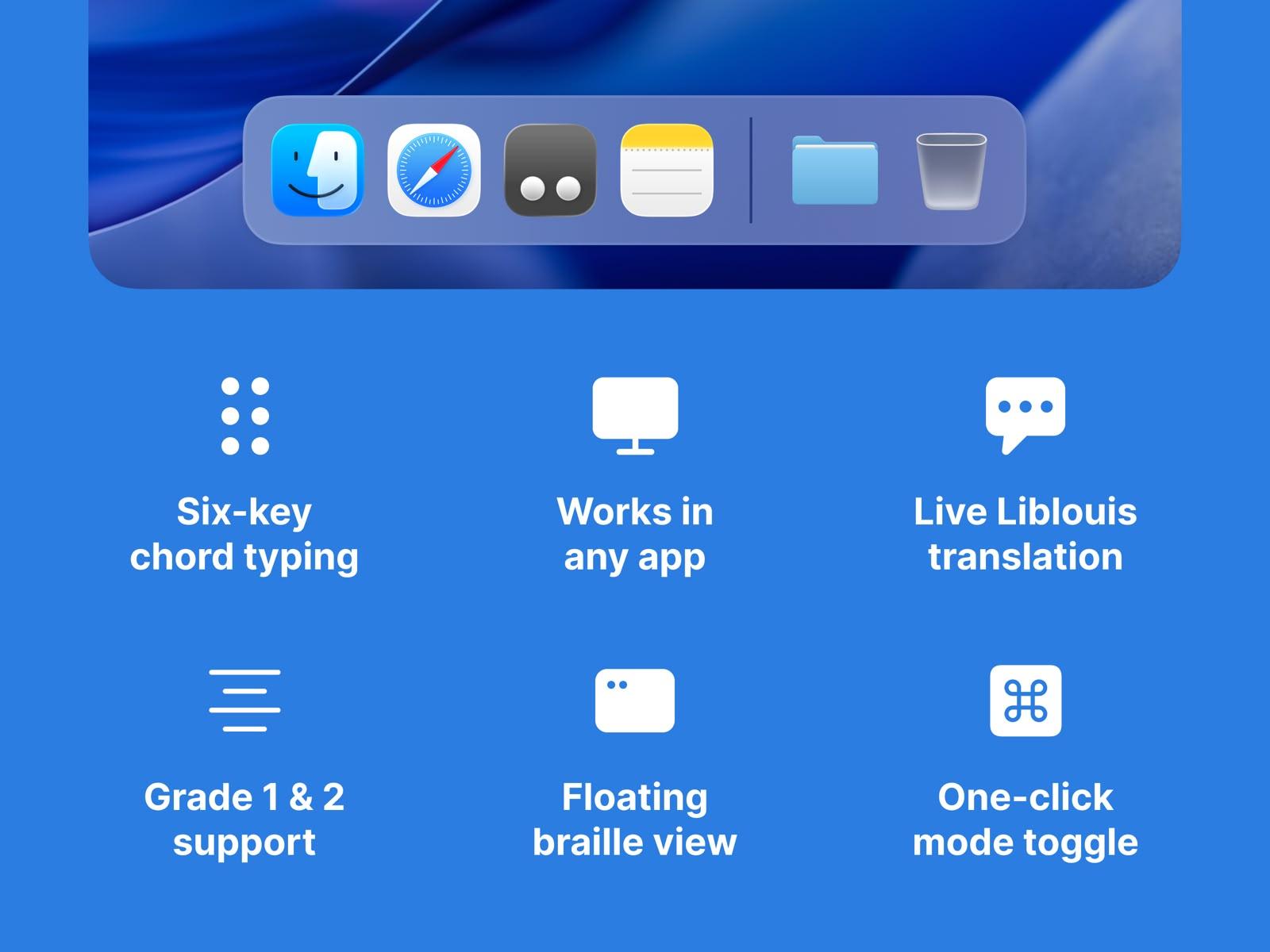
Paige Input turns six-key braille entry into print on your computer. Type using your keyboard's home row, or a braille writer with Paige Connect, and Paige Input types the correctly translated print wherever you're working, in a Word document, an email, or any other app.
For example, to type using your regular QWERTY keyboard, rest your index, middle and ring fingers on the home row. Each key is one braille dot.
So dots 1, 2, 3 are F, D, S on your left hand, and dots 4, 5, 6 are J, K, L on your right hand.
From there, press the keys for one letter together, then let go. Keep going to spell out a word, and you'll see it build up in the floating Braille View. When you're ready, press Space or Return to finish the word and type it out, contractions and capitals included. If you make a mistake, Backspace undoes your last letter. And any time you want to turn Paige Input on or off, just click the menu bar icon or use its keyboard shortcut.
By default, Paige Input uses Grade 2 (contracted) braille, and takes care of all the contraction, capital and number rules for you. If you'd rather use Grade 1 (uncontracted) braille instead, each letter appears as soon as you type it.
Paige Input is brought to you in collaboration with Sensory App House, and powered by Liblouis, the braille translator built by the community.
Who is it for?
Type at full speed using the six keys you already know, right on your own keyboard.
Write essays, notes or messages in braille, and watch them turn into print as you go.
Follow along as your students write in Word, Notes or anywhere else, whether they're using a keyboard or Paige Connect.
Type braille on any computer
Free for macOS and Windows.